
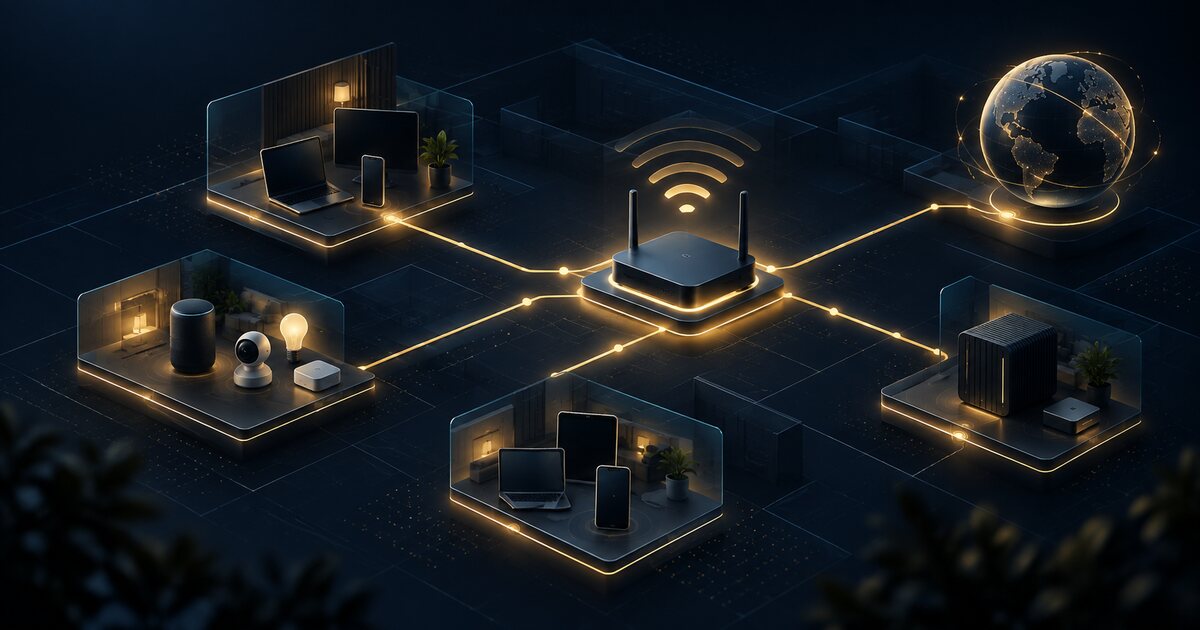
Home networking has moved from a utility purchase to a security and reliability decision. A modern household may contain work laptops, cameras, locks, speakers, game consoles, televisions, sensors, cloud accounts and appliances that quietly exchange data all day. Wi-Fi 7 can improve capacity, but a faster radio does not make an unpatched router, an exposed management panel or a poorly isolated camera safe.
The right question is not “Which router has the highest theoretical speed?” It is “Which network can I operate safely for the life of the devices that depend on it?” That shift matters to consumers, technology leaders managing remote work, and security teams that increasingly treat the home as an extension of the enterprise perimeter.
What is changing: Wi-Fi 7 is an operating decision
Wi-Fi 7 introduces capabilities such as wider channels, improved modulation and Multi-Link Operation, which can use more than one band when compatible clients and access points support it. In a clean environment, those capabilities can reduce contention and improve responsiveness. They do not remove interference, wall attenuation, backhaul limits, ISP constraints or the need for correct placement.
Mesh systems add another trade-off. Multiple nodes can improve coverage, but wireless backhaul consumes airtime that could otherwise serve clients. A wired Ethernet backhaul is normally more predictable. A three-node mesh that is badly placed can perform worse than two well-positioned access points.
Why leaders and households should care
For a household, the consequence of a weak network is not merely buffering. A compromised router can redirect DNS, expose administrative credentials, observe metadata, or provide a foothold for devices with poor security updates. For an organization, unmanaged home equipment can become the path through which credentials, remote-access sessions or sensitive conversations are exposed.
That does not mean an employer should inspect an employee’s private network. It means the organization should design remote access assuming home networks vary, and provide guidance, managed endpoints, phishing-resistant authentication and split-tunnel decisions appropriate to the risk.
Buy on five dimensions, not one speed number
| Dimension | Question to ask | Decision signal |
|---|---|---|
| Coverage | Where are the dead zones and what is the construction? | Prefer wired backhaul or a measured two-node design over maximum node count. |
| Capacity | How many active clients share the busiest room? | Wi-Fi 6E/7 helps dense environments; it cannot fix a congested ISP link. |
| Security | How long will firmware updates and security fixes continue? | Published support policy and automatic updates outrank a small benchmark advantage. |
| Privacy | What telemetry is collected and can cloud control be disabled? | Local administration, clear retention rules and exportable logs reduce dependency. |
| Lifecycle | Can the system be repaired, expanded or replaced without rebuilding everything? | Open standards, Ethernet ports and documented reset procedures preserve options. |
The security baseline before performance tuning
1. Replace defaults and protect administration
Use a unique administrator password, disable remote administration from the internet, enable multifactor authentication when offered, and restrict management to a trusted network or wired interface. Treat the router account as a root credential for the household.
2. Update the firmware and verify the policy
Enable automatic security updates only when the vendor provides a reliable recovery path and clear release notes. Otherwise schedule a monthly review. Record the model, firmware version and end-of-support date. A device without a support horizon is a replacement decision waiting to happen.
3. Separate devices by trust
At minimum, create a primary network for computers and phones, a guest network for visitors, and an IoT network for devices that do not need to initiate connections to personal computers. VLANs are useful for advanced users, but a consumer-friendly guest or IoT SSID is better than a complex design nobody maintains.
trusted clients  -> workstations, phones, password managers
IoT segment      -> cameras, speakers, appliances, sensors
guest segment    -> visitors and untrusted temporary devices
management      -> router administration, limited to trusted clients
Segmentation is not magic isolation. Check whether the vendor permits traffic between segments, whether discovery protocols leak across them, and whether the IoT devices still function when internet access is restricted.
4. Use secure DNS deliberately
Encrypted DNS can reduce local observation and prevent some forms of tampering, but it also moves trust to the resolver provider. Choose a resolver based on policy, jurisdiction, logging and failure behavior. Do not confuse encrypted transport with malware blocking or full privacy.
Mesh placement is an engineering problem
Place the primary access point where the wired connection and client demand meet—not hidden in a metal cabinet. A satellite should be close enough to receive a strong signal from the primary and far enough to serve the weak area. Test from the actual rooms and at busy times. If the system supports Ethernet backhaul, use it for fixed locations such as offices, televisions and access points.
Measure at least three things separately: local Wi-Fi throughput, latency to the gateway, and latency to the internet. A speed-test result can look excellent while a weak backhaul creates jitter for calls or games. Repeat tests after adding clients; capacity is a shared resource.
Where edge AI helps—and where it does not
Routers increasingly advertise AI-assisted channel selection, anomaly detection and traffic classification. These features may help an ordinary user discover congestion or an unusual device, especially when they expose a useful explanation and a local event history. They are not a substitute for firmware support, segmentation or a clear privacy policy.
AI-based network controls also introduce judgment risk. A classifier can mistake a new camera, backup job or operating-system update for an attack, or fail to understand a novel abuse pattern. Keep automatic blocking reversible, log decisions, and provide a way to export events. In a business context, AI-generated detections should feed an accountable process rather than silently changing access rules.
A practical buying and deployment runbook
- Inventory: list rooms, wired drops, ISP speed, active clients, sensitive devices and dead zones.
- Set the lifecycle requirement: reject products without a published security-update policy or a workable recovery process.
- Choose the topology: wired access points first; mesh only where the backhaul and placement are understood.
- Configure the baseline: unique admin credential, MFA, no internet administration, current firmware, WPA3 where compatible, and a separate IoT/guest network.
- Test reality: measure gateway latency, internet latency, throughput and roaming from the rooms that matter at different times.
- Document recovery: save the model, firmware, backup configuration, reset procedure and support contact in a private record.
- Review quarterly: remove abandoned devices, check firmware age, inspect unknown clients and revisit the support horizon.
What is likely to happen next
Home networks will become more important as cameras, vehicles, wearables and local AI devices perform more computation at the edge. The winning products will not simply advertise faster wireless. They will expose better lifecycle information, safer defaults, local control, interoperable identity and explainable automation.
Wi-Fi 7 is worth considering when the environment has compatible clients, dense contention or a long replacement horizon. It is not a reason to discard a well-supported Wi-Fi 6 system that already meets the household’s coverage and latency needs. The strategic choice is to invest where the network reduces risk and friction for years—not to pay for a specification that the rest of the system cannot use.
Frequently asked questions
Do I need Wi-Fi 7 today?
Not automatically. Choose it when you have compatible clients, dense traffic, a long ownership horizon or a meaningful need for Multi-Link Operation. A supported Wi-Fi 6 or 6E system may be the better value when coverage and latency are already good.
Is mesh more secure than a single router?
No. Mesh improves coverage, not security by itself. Security depends on update support, administration controls, segmentation, encryption and the vendor’s cloud design. Wired backhaul can improve reliability but does not replace those controls.
Should smart-home devices be on a separate network?
Usually yes, especially for cameras, appliances and devices with uncertain update policies. Use an IoT or guest segment, then verify that required discovery and control functions still work without unrestricted access to personal computers.
Can AI features make a router secure?
AI can help classify devices, detect anomalies or recommend channels, but it cannot compensate for unsupported firmware, exposed administration, weak credentials or poor segmentation. Keep automated actions reversible and reviewable.
Need help choosing or securing your network?
NSI helps organizations and households turn complex technology choices into practical, evidence-backed decisions.
Discuss your network